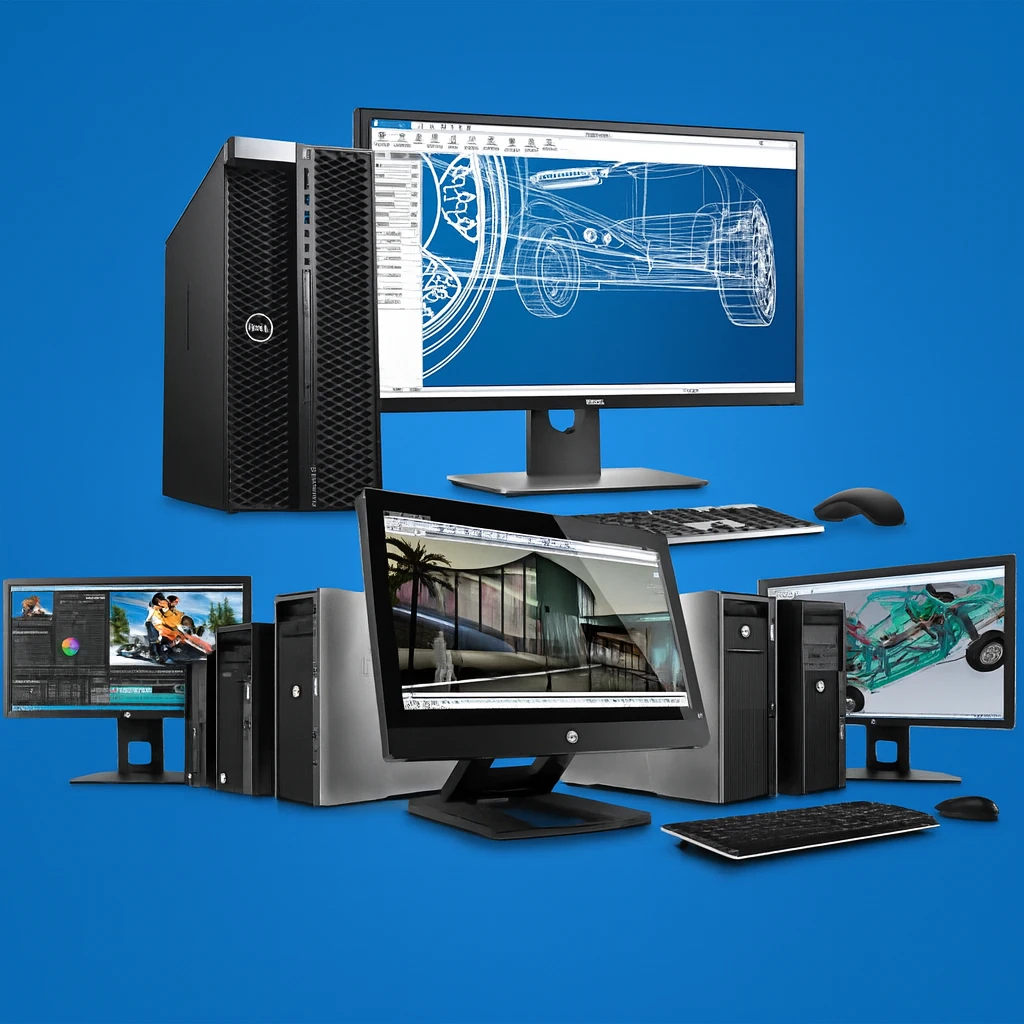
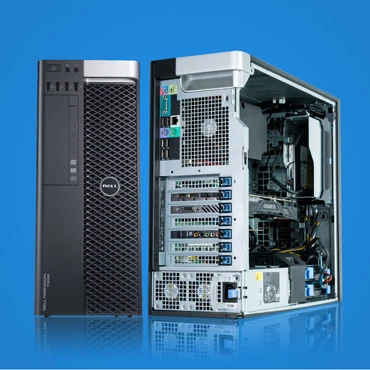
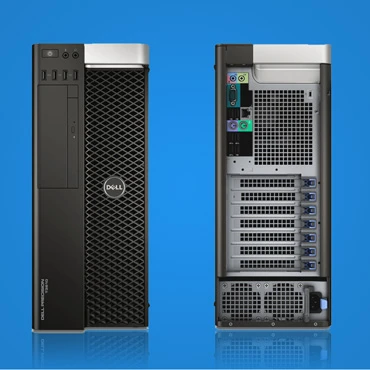
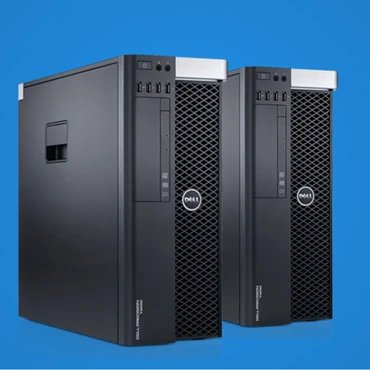
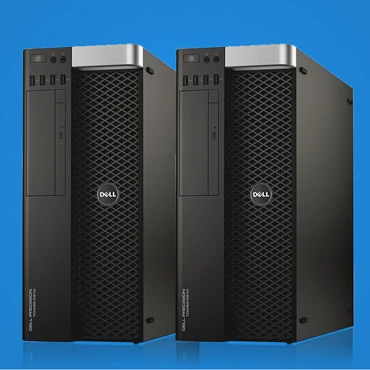
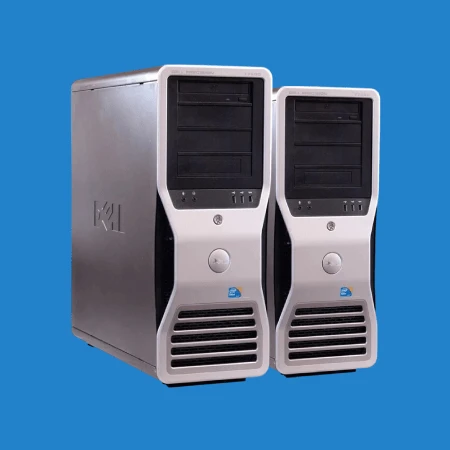
A 3D / Animation Workstation is a computer system — typically a desktop PC — built and optimized to handle the heavy computational, memory, graphics, and storage demands of 3D modelling, animation, rendering, VFX, compositing, and related tasks. Compared to a typical office PC or normal gaming PC, a workstation aims for stability, expandability, high throughput, and reliability under sustained heavy load (long renders, large scenes, high-res textures, complex simulations).
Key benefits of a workstation configuration:
Strong multi-core CPU power (for rendering, simulations, multi-threaded workloads) along with good single-core performance (for modelling/animation viewport & UI responsiveness).
A dedicated, powerful GPU (often “pro” or high-end) for real-time rendering, viewport performance, GPU-based render engines, and handling high-res textures & complex scenes.
Plenty of RAM so that large scenes, many assets, textures, simulation data, and multi-application workflows don’t cause slowdowns or crashes.
Fast and ample storage (SSD / NVMe + larger data storage) so that loading, saving, caching, and rendering go smoothly.
Expandability, good cooling, and stability (for long renders or heavy workloads).
Here’s a breakdown of what works well, depending on the level of your projects (from moderate to heavy).
| Component | Recommended / Ideal Specs | Why It Matters |
|---|---|---|
| CPU (Processor) | • For modelling/animation: 6–8 cores with high clock speed (single-core performance). • For rendering / heavy workloads: 12+ cores (12, 16, 24, or more), preferably from higher-end lines (e.g. Intel Core i9, AMD Ryzen 9 / Threadripper / Xeon). | Modelling & animation often depend on single-core performance (for viewport and UI responsiveness), while rendering / simulations take advantage of many cores. |
| GPU (Graphics Card) | Dedicated GPU with 8 GB VRAM or more — for serious work, cards with 10–24 GB+ VRAM (or pro-GPU like NVIDIA Quadro / RTX A-series / AMD Radeon Pro) are recommended. | Real-time viewport performance, GPU-accelerated rendering, handling high-res textures/meshes, complex scenes — GPU matters heavily. |
| RAM (Memory) | Minimum around 32 GB RAM. Recommended / Ideal: 64 GB or even 128 GB+ RAM if you work on complex scenes / heavy simulations / VFX / large assets. | Large projects with many textures, assets, high-res geometry, or simulations consume a lot of RAM. Insufficient RAM can cause slowdowns or crashes when rendering or previewing. |
| Storage | Primary drive: fast NVMe SSD (for OS, software, project files in active work). Secondary storage: large-capacity SSD/HDD (2TB–8TB or more) for assets, archives, backups. | SSD speeds up loading of software, assets, caches; avoids bottlenecks with large files. Secondary storage keeps archives, backups, and older projects safely. |
| Expandability & Stability | Motherboard and case that support multiple RAM slots, GPU upgrades; good cooling (air or liquid) and stable PSU; optionally ECC RAM for critical/studio work. | As projects grow over time (size, complexity), expandability prevents the workstation from becoming obsolete; good cooling ensures stable performance during long renders. |
| Optional for High-End Work | Multi-CPU setups (e.g. workstation-class CPUs), workstation-class GPUs, ECC RAM, possibly RAID or high-capacity SSD arrays — for film/VFX pipelines, large simulations, heavy rendering. | Useful for studios or heavy-duty projects: ensures performance, reliability, and ability to handle big workloads (large scenes, simulations, high-res renders). |

No review given yet!
 Fast Delivery
 Safe Payment
 7 Days Return Policy
 100% Authentic Products







You need to Sign in to view this feature

This address will be removed from this list
 english